What is Local Backup?
Local Backup: Backing up critical files to diskettes. This approach is commonly used by people who keep their checkbooks and personal finance data on the computer. Programs like Quicken and Managing Your Money always remind users when they quit the program to backup their data. If your hard disk crashes, you’ll be able to reconstruct your checkbook balances. If you have other files (for example, chapters of a book you’re working on), you’ll want to backup every single day’s work. Copying it to a diskette is quick and economical.
What is Off-site Backup?
You can also consider sending your files to another site for safekeeping. In case your hard disk crashes, you’ll be able to download them from the safekeeping site.
What is Cloud Backup?
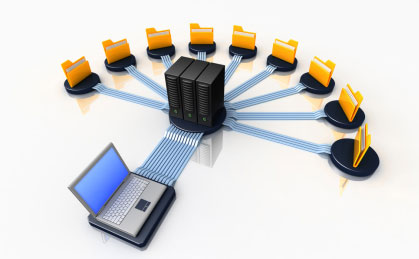
Cloud backup, also known as online backup, is a strategy for backing up data that involves sending a copy of the data over a proprietary or public network to an off-site server. The server is usually hosted by a third-party service provider, who charges the backup customer a fee based on capacity, bandwidth or number of users. In the enterprise, the off-site server
might be proprietary, but the chargeback method would be similar.